DITO e SIM in the Philippines Full Activation Guide 2025
As technology improves, the way we use mobile phones changes too. One of the latest advancements in mobile connectivity is the eSIM, and in the Philippines, DITO Telecommunity has introduced its own version called DITO e SIM. This new type of SIM card does not require any physical chip and works purely through a QR code on supported smartphones.
What is a DITO e SIM?
DITO e SIM is a digital version of a physical SIM card offered by DITO Telecommunity, the third major telecom provider in the Philippines. Unlike the usual plastic SIM card, it doesn’t need to be inserted. Instead, you just scan a QR code to activate your line. This makes things faster and more convenient. You no longer need to wait for delivery or visit a physical store. Users only need an internet connection and a compatible device to get started. In case your eSIM profile gets deleted or your phone is lost, DITO may require you to submit an NTC SIM Registration when requesting a replacement QR code or SIM reactivation.
How to Buy a DITO e SIM Online?
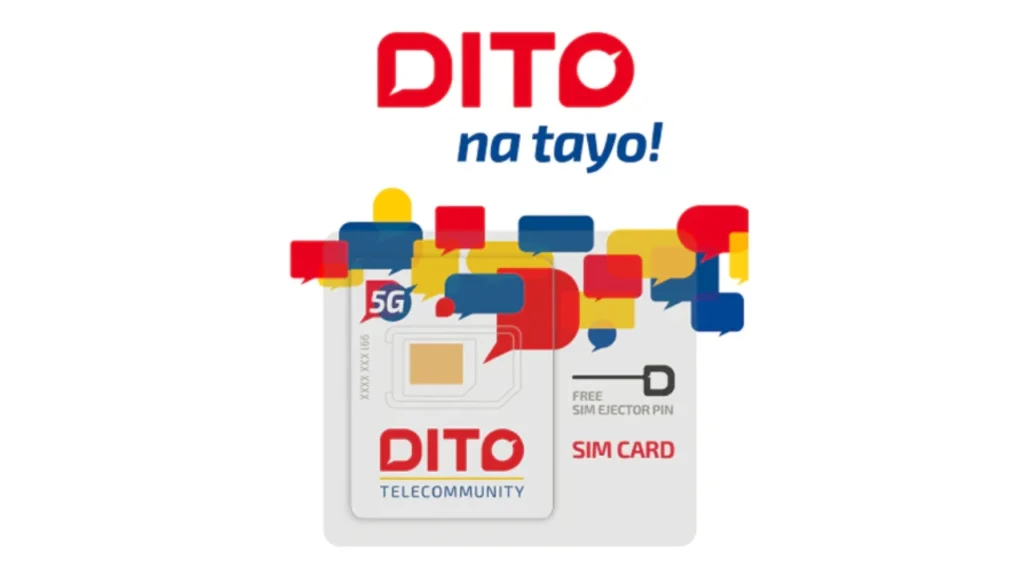
Buying a DITO e SIM is simple and can be done without leaving your house. All purchases are completed digitally using either the DITO App or the official DITO website.
Here’s a quick comparison table to show your purchase options:
| Method | Description | Processing Time |
|---|---|---|
| DITO App | Available on Android and iOS, buy instantly | Immediate after payment |
| DITO Website | Visit dito.ph | Immediate after payment |
| Lazada/Shopee | Delivered via email | Within 24 hours |
After buying, you will receive an email or in-app message with your eSIM QR code and activation instructions.
How to Activate DITO e SIM?
Activating your DITO e SIM only takes a few minutes. You should follow these steps exactly as given to avoid errors. Make sure your phone is unlocked and eSIM-supported.
Steps to Activate:
- Open your phone’s Settings and tap on Mobile Network or Cellular.
- Select “Add eSIM” and then choose Use QR Code.
- Scan the QR code sent by DITO after your purchase.
- Wait for the system to confirm the installation.
- Choose DITO as your default SIM for mobile data and calls/texts.
If successful, you will see the DITO signal bars appear at the top of your screen.
Compatible Phones with DITO e SIM
Not all phones support eSIM technology. Below is a list of phones that can use DITO e SIM as of 2025:
| Brand | Models Supported |
|---|---|
| Apple | iPhone XS to iPhone 15 series |
| Samsung | Galaxy S20 to S24 series, Note 20, Z Flip/Fold series |
| Pixel 3, 4, 5, 6, 7, 8 (except Pixel 3 China models) | |
| Huawei | P40, Mate 40 (limited models) |
Always check if your phone is carrier-unlocked, or else the eSIM won’t work even if the model is compatible.
Features and Benefits of DITO e SIM
Users who switch to DITO e SIM get many of the same features offered by the physical SIM. In fact, some promotions are exclusive to eSIM users.
Here are some key benefits of using DITO e SIM:
- No need for physical delivery or store visits
- Instant activation after payment
- Can use dual SIM mode with another network
- Supports HD voice calls and fast LTE data
- Affordable promos made for eSIM users
This makes it perfect for people who want quick setup, travel flexibility, or to avoid plastic waste.
DITO e SIM Promos and Packages
DITO offers different eSIM starter promos that include data, calls, and text, which makes switching easier and more budget-friendly.
| Package Name | Inclusions | Validity | Price (₱) |
|---|---|---|---|
| eSIM Welcome 99 | 7GB data + Unli DITO calls/texts | 7 days | ₱99 |
| eSIM Welcome 199 | 15GB data + Unli DITO calls/texts | 15 days | ₱199 |
| eSIM Welcome 299 | 30GB data + Unli DITO calls/texts | 30 days | ₱299 |
You can top-up or extend your plan using the DITO App once your welcome promo ends.
SIM Registration for DITO e SIM
The law requires all DITO e SIM users to register their SIMs, just like physical ones. If you don’t register, DITO will deactivate your SIM.
To register your DITO e SIM, follow this:
- Go to https://register.dito.ph
- Input your mobile number and verification code.
- Upload a valid government ID and your selfie.
- Fill out your full name, birthdate, and address.
- Submit and wait for confirmation.
Make sure the information you enter matches your ID exactly to avoid errors or delays.
DITO SIM Coverage Across the Country
DITO Telecommunity has expanded to cover approximately 84% of the Philippine population, with plans to reach 86–87% by the end of 2025. As of early 2024, its network extends across 61 out of 82 provinces, including 31 in Luzon, 12 in Visayas, and 18 in Mindanao. Prominent urban centers like Metro Manila, Cebu, and Davao City are well-covered with 4G LTE, and increasingly with 5G services. The image map above shows official and independent coverage visuals. If you’re also checking activation steps for other networks, visit www.tntph.com Activate SIM for instructions on setting up a TNT SIM.
Customer Feedback
Many users have shared positive reviews of the DITO e SIM because of its easy setup and good internet performance. Some iPhone users report that installation takes only 2 minutes, while others enjoy the clear call quality and fast LTE browsing.
Sarah G., iPhone 13 user: “Super fast and easy! I installed my DITO e SIM in under 3 minutes. No hassle at all.”
John R., Samsung Fold user: “I use DITO e SIM for data only while traveling. Speeds are great even in provincial areas.”
While DITO’s coverage is still expanding, many users in Metro Manila, Cebu, and Davao enjoy reliable connections with minimal dropouts.
Conclusion
The DITO e SIM is a smart and modern solution for mobile users in the Philippines. It combines fast activation, ease of use, and digital convenience. Whether you’re switching networks or trying DITO for the first time, the eSIM version offers the best entry point. It works best for people who want to skip store visits, enjoy faster setup, and have more control over their mobile usage. As DITO continues to grow its network and features, the eSIM option is only going to become more popular.